
Creating an account
On this page
Creating an account
Sign up in under a minute with email, Google, or GitHub, then land on your dashboard. · Required
You need an account before you can create a project. All three sign-up methods land you in the same place, on the same Free plan, so pick whichever is quickest for you.
Sign-up options
| Method | Best for | Email verification |
|---|---|---|
| Email & password | Anyone; no third-party account needed | Required (one-click link) |
| Continue with Google | Fastest one-click sign-in | Not required |
| Continue with GitHub | Developers already signed in to GitHub | Not required |
All three create the same kind of account, on the same Free plan. There is no account-linking screen in settings, so pick the sign-in method you'll want to keep using.
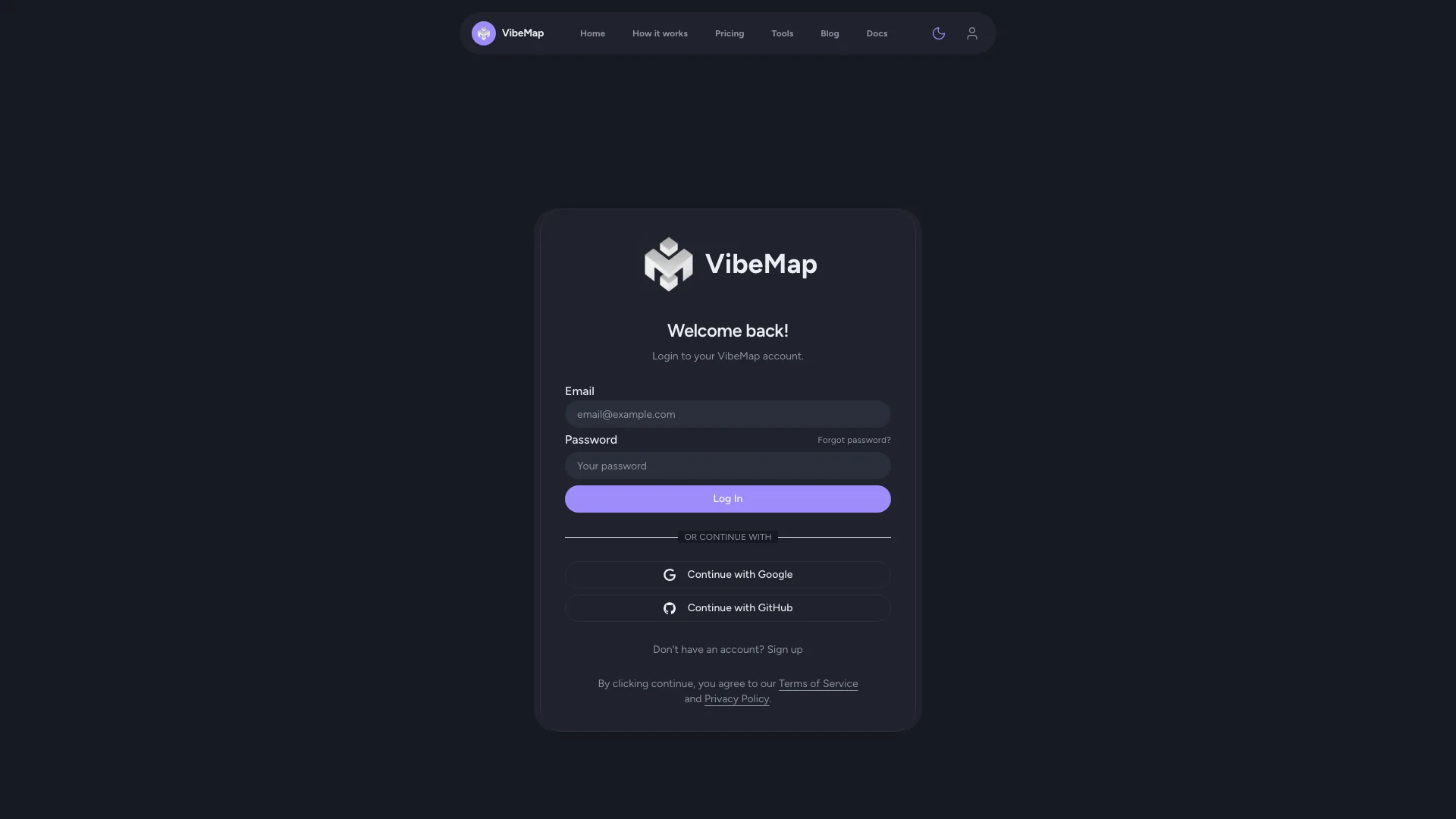 Figure: Login page.
Signing up with email
- Open the VibeMap login page.
- Click Don't have an account? Sign up to open the registration page.
- Enter your email address, choose a password of at least 6 characters, and confirm it.
- Click Start Building.
- Check your inbox for a confirmation email and click the verification link.
- You'll be redirected to the dashboard, ready to go.
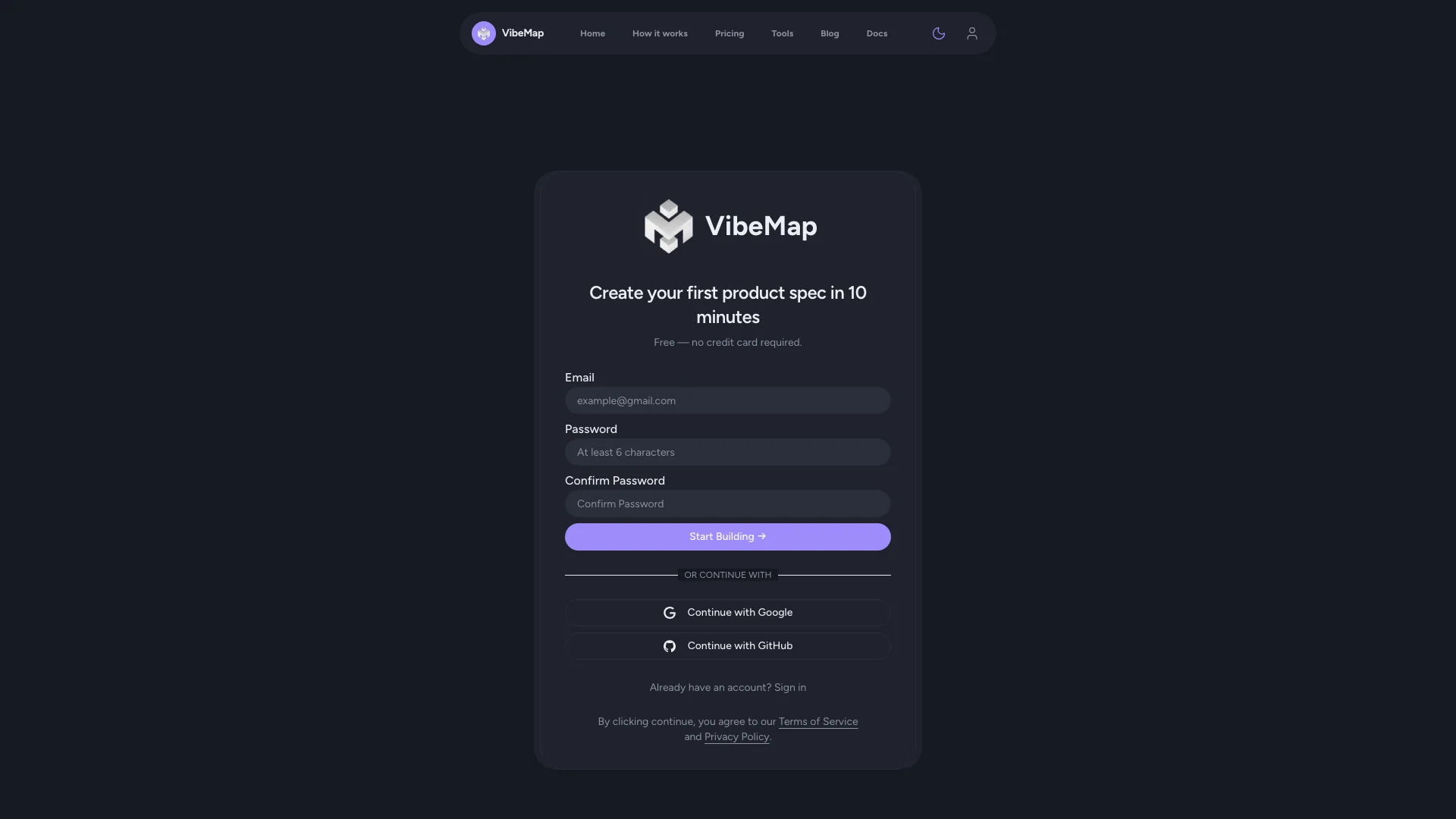 Figure: Signup page.
Signing up with Google or GitHub
- Open the VibeMap sign-up or login page — both carry the same buttons.
- Click Continue with Google or Continue with GitHub.
- Select your account, or sign in to the provider if prompted.
- Authorise VibeMap to access your basic profile information.
- You're signed in automatically, with no email verification needed. Coming from the sign-up page you land straight on the Create New Project form; from the login page you land on your dashboard.
What you'll see after sign-up
Once your account exists, you land on the dashboard:
- Projects grid — empty at first; this is where every project spec you create will appear.
- Create Your First Project — the call to action filling the empty dashboard. Once you have projects it becomes a Create New Project card at the end of the grid.
- Account menu — top-right; reaches Account, Billing, and Team.
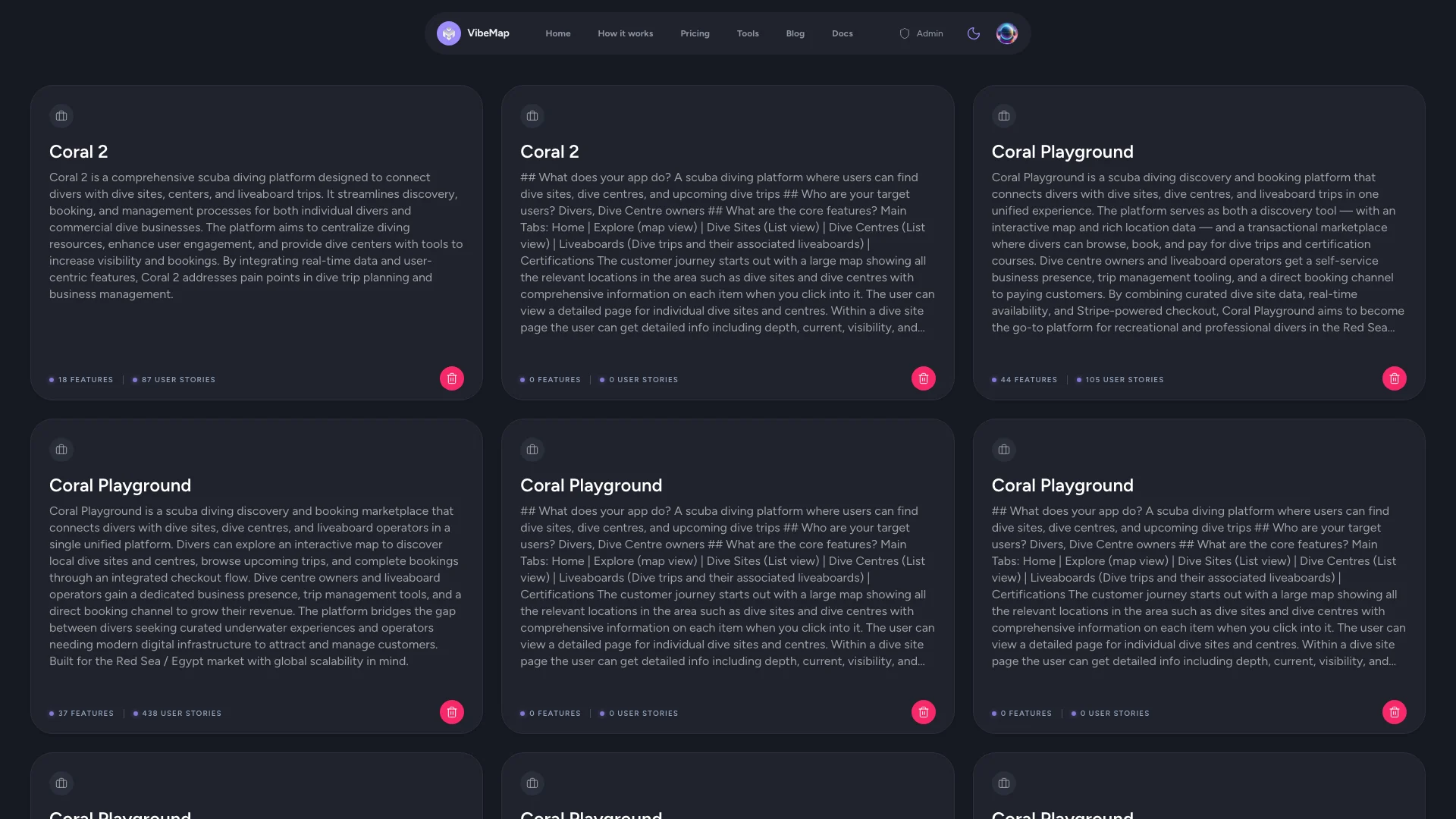 Figure: Your project dashboard.
What the Free plan includes
Every new account starts on Free — no card, no trial clock. It covers the spine of a spec:
- One project.
- The core generations — project summary, personas, features, user stories, and acceptance criteria.
- 300K auto tokens a month, plus a throttle of 75 generations per rolling 5-day window. Free has no premium-token budget, so its generations run on economy models.
- Connecting your own AI coding agent over MCP, which is open on every plan including Free — see Two ways to generate.
- Exporting your spec.
Not on Free
These are the paid boundaries you'll meet first. VibeMap names the plan you need when you hit one.
- Pages & sections — Starter and above.
- Database schema — Starter and above.
- The conversational agent — Starter and above.
- Business case — Pro and above.
- Sprint planning — Pro and above.
- Prepare for Dev — Pro and above.
None of this blocks you from finishing a spec on Free — features, stories, and acceptance criteria are the part your coding agent actually builds from.
Managing your account
Open the account menu in the top-right corner and choose Account. It has six sections:
- Profile — display name, username, email, and avatar.
- Credentials — change your password, and export or delete your data.
- Notifications — product updates, marketing and tips, usage and billing alerts.
- Connections — link GitHub, Vercel, or Supabase so VibeMap can build and deploy on your behalf.
- Developer — issue and revoke API keys.
- MCP — the connection details your IDE agent needs.
Billing is a separate destination in the same menu, not a section of Account — your plan, subscription, and usage all live there.
Full detail on plans and limits lives in Account and billing.
⚡ Power-user hints
- Choose the sign-in method you'll keep. There's no linking screen, so switching from a password to Google later isn't a settings toggle. Decide before you start generating.
- Watch the token budget, not a generation count. The plan badge in the sidebar — visible inside a project and in Account — shows your plan with a 5-day bar and a monthly bar. Glance at it before a big run; on Free the monthly pool is 300K auto tokens.
Troubleshooting
Didn't receive a verification email?
- Check your spam or junk folder.
- Confirm you entered the correct address.
- Click Resend verification email on the login page.
- Still stuck? Email [email protected].
Can't sign in with Google or GitHub?
- Make sure you're using the same provider account you registered with.
- Clear your browser cookies and try again.
- Still stuck? Email [email protected] — there's no self-service way to move an account to a different sign-in method.
↔ The traditional way
Most tools make you set up a workspace, verify a domain, or invite teammates before you can do anything. VibeMap gets you from sign-up to a working dashboard in under a minute, on the free tier, with no card required.
What's next
- Creating your first project — describe your idea and generate a spec.
- Starting from a template — an even faster on-ramp from a prebuilt foundation.