
Generating pages
On this page
Generating pages
A complete sitemap — every route, section, and data dependency — derived from your features and stories. · Required · Starter plan
Pages are the structural backbone of your product and the second-to-last Plan step. They matter twice over: they define your information architecture, and they give the schema generator far richer context. That's why pages come before schema — page layouts tell the schema generator what data each screen actually shows and edits.
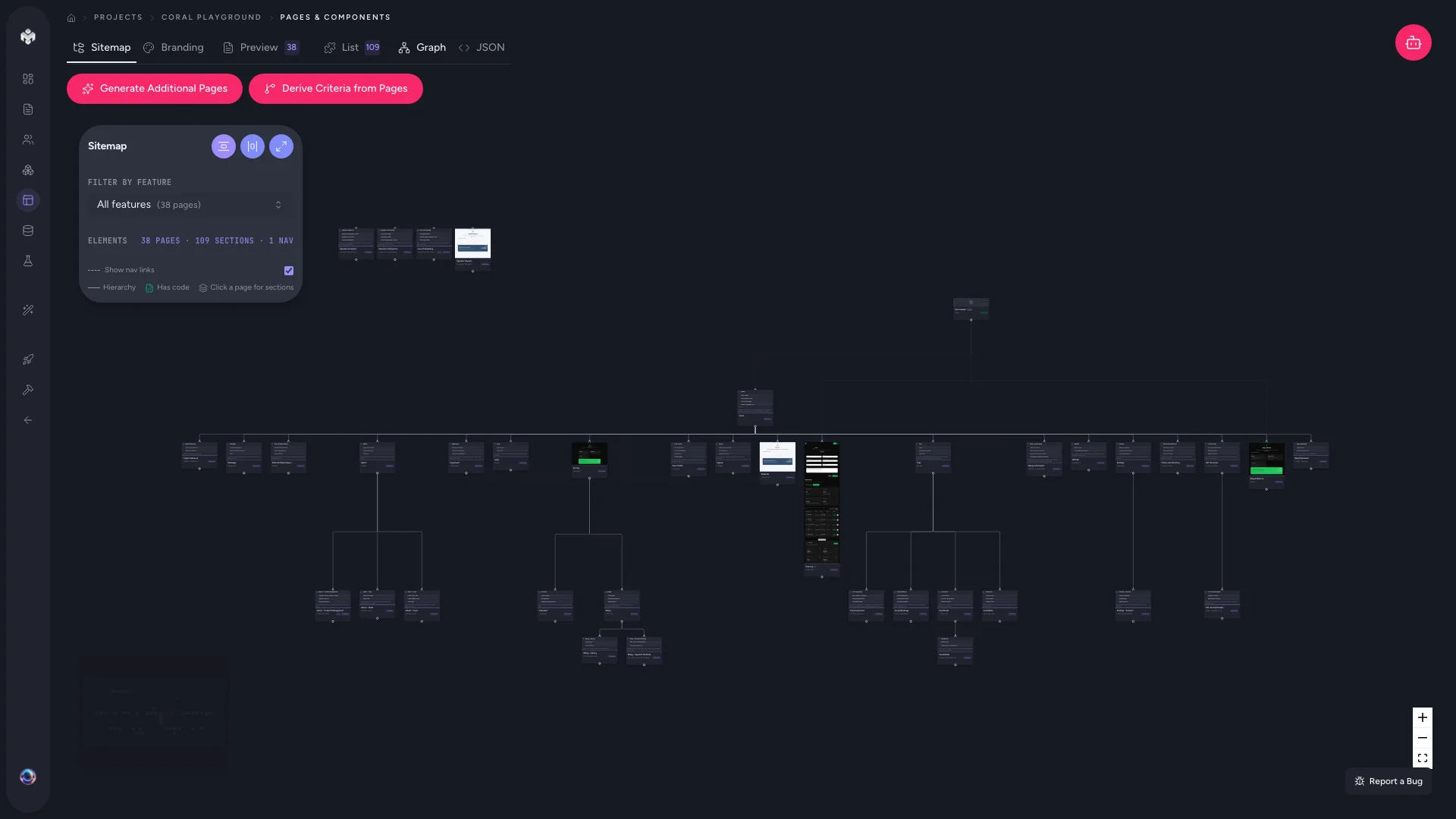 Figure: Pages list.
Generating your pages
- Open the Pages page from the project sidebar. (Code-first projects find it under Extract Specs.)
- Click Generate Pages — the confirm step is labelled Generate Pages & Sitemap.
- The AI reviews your features, user stories, and business goals, maps each requirement to a route, and breaks every page into logical UI sections.
- Review the result — a full information architecture ready for design and schema.
Generation usually takes 30–60 seconds. Every page carries a route, title, sections/components, data dependencies (which tables and fields it reads or writes), and API endpoints.
The Pages views
The Pages page has four tabs along the top:
| View | What it shows |
|---|---|
| Sitemap | An interactive flow diagram of page hierarchy and navigation paths — drag and zoom to explore. Also where you edit branding (see below), and where you open a single page: hover a card and click edit. |
| List | A flat, searchable table of every section across all pages — great for spotting reuse. |
| Graph | A dependency graph of pages, sections, and the criteria they satisfy. |
| JSON | The raw page structure. |
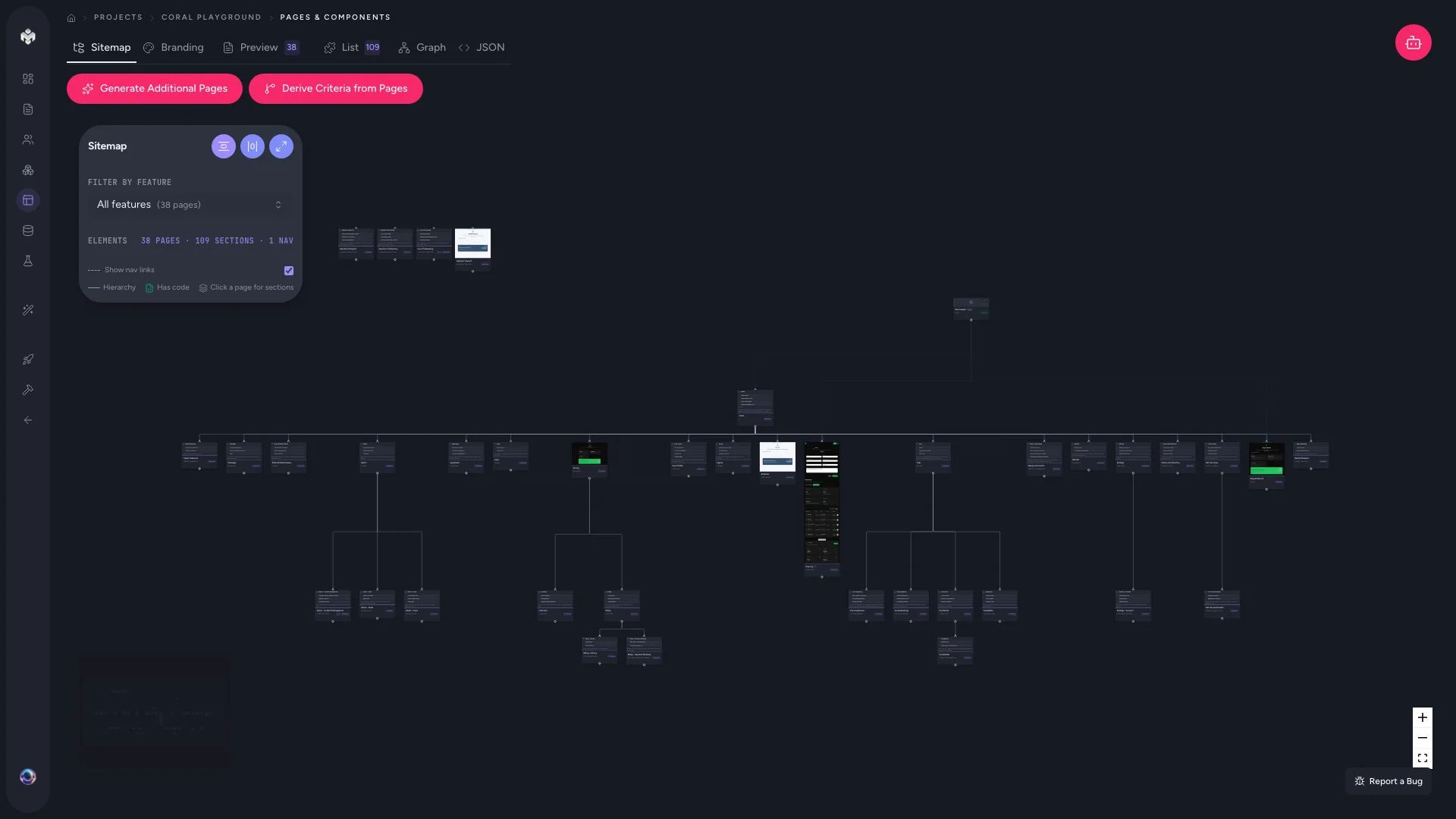 Figure: The visual sitemap of your pages.
Branding
Branding lives on the sitemap canvas, behind the palette button in the control panel at the top left. The tile holds your logos, the colour palette (primary, secondary, accent, background, and text tokens), heading and body fonts, border radius, and density — plus the header/sidebar/footer layout elements for the project.
Editing an axis re-renders the page cards on the canvas immediately, so you can see the effect before committing. Colour, font, radius and density edits are unsaved until you hit Save on the canvas bar, alongside any page-position or hierarchy changes. Logos are the exception: an upload is saved straight away.
These tokens feed both the in-app UI preview and any Tailwind config your coding agent produces.
How pages trace back to your spec
Nothing here exists in isolation. A feature like "User Authentication" produces /login, /register, and /forgot-password; each story maps to specific sections on those pages; and data dependencies are derived from the acceptance criteria attached to those stories. Change a feature and regenerating pages reflects it across the sitemap.
Pages also feed criteria back the other way: once pages exist, run Derive Criteria from Pages to catch UI behaviours the feature pass missed — see Acceptance criteria.
Adding more, or editing by hand
- Generate Additional Pages — a second pass that fills gaps against your current features.
- Edit metadata directly — rename routes, adjust priorities, and update descriptions without regenerating.
⚠️ Watch out: Generating pages before you have features produces a generic skeleton. Do features and stories first — pages are only as good as the requirements underneath them.
⚡ Power-user hints
- Check the Sitemap view first. Missing navigation paths and orphan routes are far easier to catch visually than in a list.
- Use List view to kill duplication. If the same "Testimonials" section appears on three pages, consolidate before handoff so your agent builds it once.
- Order matters: pages → schema. Resist generating schema early. Every page you define adds context that produces more complete tables.
Author with your own agent (MCP)
Instead of clicking Generate Pages, a connected IDE agent can author the sitemap straight into the project on its own tokens — the "Prefer your own agent? Keep it on your tokens" disclosure under the button. Pages need a Starter plan either way: the gate is on the capability, not the engine, so a Free project can't have them authored over MCP either. Full detail: Two ways to generate.
💡 Tip: Database schema is not part of this pass — it's a separate, run-last step. See Generating the database schema.
↔ The traditional way
A designer or architect normally draws the sitemap and wireframe inventory by hand in Figma or a whiteboard, then reconciles it against the PRD manually. VibeMap derives the whole route map, section breakdown, and data dependencies straight from the spec — and keeps them traceable, so a feature change ripples through instead of silently going stale.
What's next
- Preview a page in the browser before you approve it → In-app UI preview
- See how it all connects (and where it's incomplete) → Graph view
- Then design your data model → Generating the database schema