
9.1 — Account and billing
On this page
9.1 — Account and billing
This page covers everything related to your VibeMap account: subscription, usage tracking, API keys, and billing management.
Subscription plans
VibeMap uses a subscription model combined with a monthly token budget. Higher tiers unlock more functionality (sprint planning, business case generation, frontier reasoning models, team workspaces).
| Plan | Price | Token budget / mo | Daily generations | Projects | Key features |
|---|---|---|---|---|---|
| Free | $0 | 300K | 15 | 1 | Core generation pipeline (personas, features, user stories, ACs) |
| Starter | $19 | 1.75M (1.5M auto + 250K premium) | 50 | 3 | Adds pages, sections, schema |
| Pro | $49 | 7M (6M auto + 1M premium) | 200 | Unlimited | Adds files, pseudocode, agent chat, business case, sprint planner, dependency graph, MCP + API access |
| Team | $79 | 18M (15M auto + 3M premium) | Unlimited | Unlimited | Adds shared team workspaces, RBAC, Claude 4 Sonnet, multi-seat |
| Enterprise | $199 | 48M (40M auto + 8M premium) | Unlimited | Unlimited | Adds Claude 4 Opus, manual model selector, DPA, SSO, dedicated support |
Auto vs premium tokens. VibeMap routes routine steps (summary, features, user stories) through fast economy models (auto tokens) and reasoning-heavy steps (schema, pseudocode) through frontier models (premium tokens). When premium tokens run out, VibeMap gracefully falls back to auto models — you never get blocked mid-project.
Generations are consumed each time you run an AI task (personas, features, stories, ACs, schema, files, business case, sprint planning). Heavier tasks (full sprint plan on a 100-AC project, business case with web research) consume more than light ones (regenerate a single persona).
For the live tier list and the full feature-comparison table → vibemap.ai/pricing.
Team and Enterprise plans
Team and Enterprise plans add team workspaces — one subscription shared across multiple members with owner / admin / member roles. See Section 10 — Teams for the full walkthrough on creating a team, inviting members, and managing billing.
Managing your subscription
To view or change your plan:
- Click your profile avatar in the top-right corner.
- Select Account (or Billing directly).
- Navigate to the Billing section.
From here you can:
- Upgrade or downgrade your plan — changes take effect immediately, with prorated billing
- View your current plan and renewal date
- Cancel your subscription — your access continues until the end of the current billing period
Payment methods
VibeMap processes all payments through Stripe. You can add, update, or remove payment methods from the Billing section. Supported methods include credit and debit cards.
Your payment information is handled entirely by Stripe and is never stored on VibeMap servers.
Viewing usage and costs
The Usage section of your account shows:
- Generations used this billing period vs. your plan's allowance
- Usage breakdown by generation type (personas, features, stories, etc.)
- Usage history across previous billing periods
If you approach your monthly allowance, VibeMap displays a warning in the project editor so you can plan accordingly.
API keys
API keys (Personal Access Tokens, prefixed vm_) let your AI coding agent and your scripts authenticate with VibeMap. Most users only need one — for their primary IDE — but you can issue separate keys for CI runs, side projects, or different machines.
Generating a key
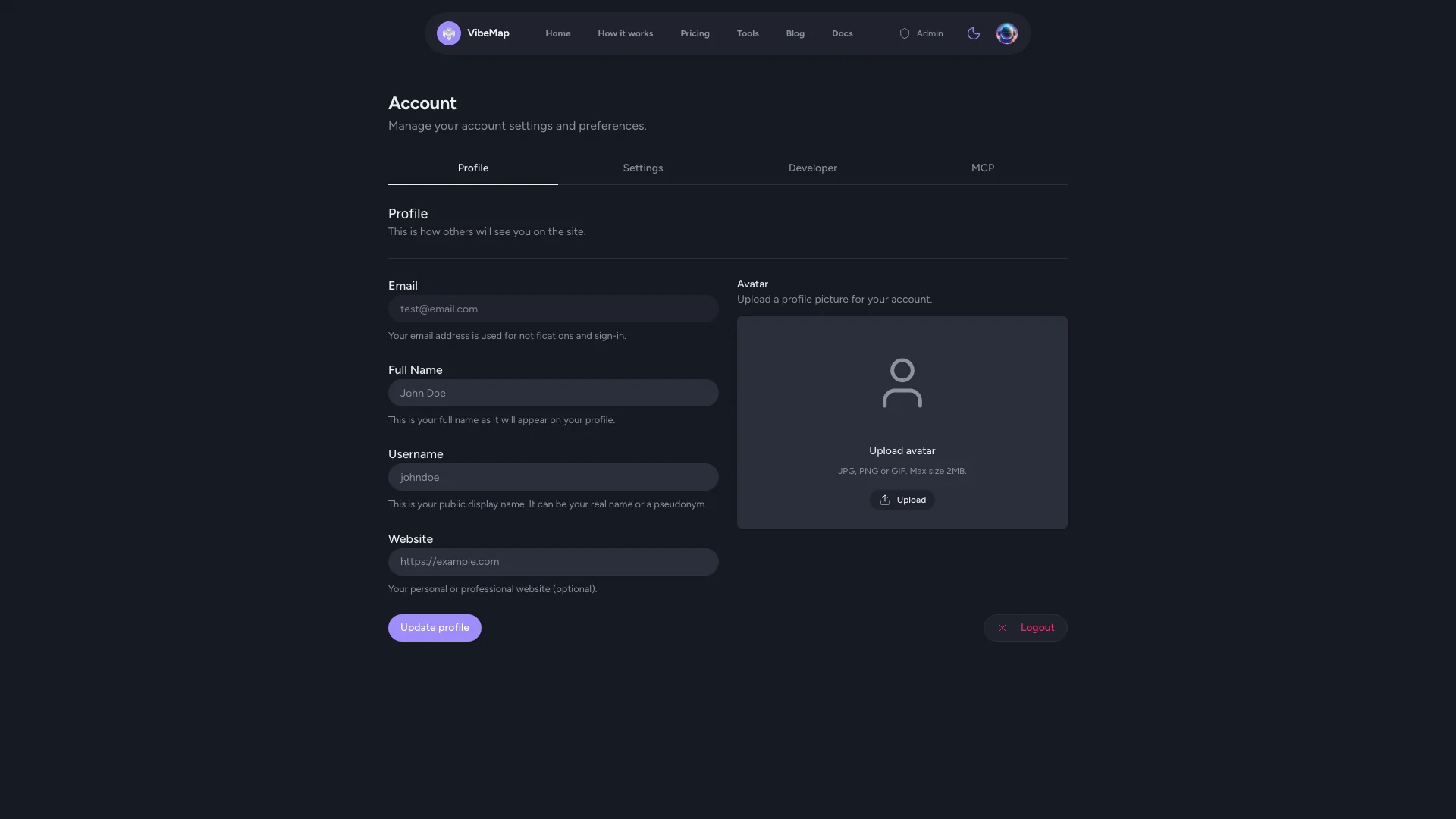
- Click your profile avatar → Account.
- Scroll to the API Keys section.
- Click Generate New Key.
- Copy the key now — you can't view it again after closing the dialog.
- Paste it into your IDE's MCP config (or wherever you'll use it). See Connect your AI coding agent for the full setup.
Key scopes
Each key has a scope that limits what it can do:
agent— for your IDE agent. Can read your projects, claim/submit acceptance criteria, report progress, and block items. Cannot resolve a review (that's a deliberate guard so an agent can't self-pass its own work).ci_review— for CI workflows. Can resolve reviews (pass / fail) based on test results. Cannot claim or submit.full— session-equivalent. Use sparingly; only for personal scripts where you want both read and write.
Pick the smallest scope that covers what you need.
Revoking a key
If a key has been exposed (committed to git, leaked in a screenshot, lost to a former teammate), revoke it immediately:
- Open Account → API Keys.
- Click Revoke next to the affected key.
- Generate a new key and update your IDE/CI config.
Revocations take effect within seconds.
Account settings
Profile
Update your:
- Display name
- Email address (verification required for the new address)
- Profile picture
- Password (for email-based accounts)
Preferences
Configure your VibeMap experience:
- Default model tier — pick Fast, Balanced, or Deep as the default for new generations
- Notification preferences — email notifications for project activity
- Theme — light or dark mode
Invoice history
All invoices are available for download in the Billing section. Each invoice includes:
- Billing period and plan details
- Generation usage for the period
- Payment amount and method
- PDF download link
Support
If you need help with your account or billing:
- In-app feedback form — bottom-right of any page
- Email — support@vibemap.ai
- Response time — we aim to respond within 24 hours
Frequently asked questions
Can I export my spec?
The spec is always accessible via the REST API and the MCP server. Read-only views of features, personas, user stories, ACs, pages, and schema can be pulled into Linear, Notion, or your own tools. There's no "Export as ZIP" button — the spec is meant to be a live source, not a one-shot dump. See Handoff to your AI agent for the current handoff model.
What AI models are used?
VibeMap uses a multi-provider pipeline including models from Anthropic (Claude), OpenAI, and Google (Gemini). The system automatically picks the best model for each generation type, or you can set a default tier (Fast / Balanced / Deep) in your account preferences. Frontier models from each provider are rotated as they ship.
How do I delete a project?
Open the project you want to delete, go to Project Settings, and click Delete Project at the bottom of the page. This action is permanent and cannot be undone. All project data — personas, features, stories, ACs, pages, schema, files, kanban events — will be removed within 30 days of deletion.
What happens if I run out of generations?
When your monthly allowance is exhausted, new AI generations are blocked until your allowance resets at the next billing period. You can still view, edit, and use your existing project data — and your IDE agent can still work through previously-generated acceptance criteria. To resume generations immediately, upgrade your plan.
Can I share projects with my team?
Yes — that's exactly what the Team ($79/mo) and Enterprise ($199/mo) plans are for. Create a team workspace, invite teammates by email, and every member can read and edit the team's projects under a single subscription. Each member keeps their own VibeMap login and audit trail; token consumption draws from the shared team budget.
See Section 10 — Teams for the full walkthrough.
How do I change my email address?
Go to Account → Profile and update your email. You'll receive a verification email at the new address before the change takes effect.
Is my data backed up?
Yes. Your project data is stored on managed Postgres with daily backups. If you delete your account, your projects are deleted within 30 days per our data policy. Export anything you want to keep first via the API.