
5.1-generating-pages
On this page
Generating Pages
Pages are the structural backbone of your project. VibeMap's AI analyzes your features and user stories to produce a complete sitemap — every route, section, and data dependency your application needs.
How Page Generation Works
- Navigate to the Pages tab in the project sidebar.
- Click Generate Pages & Components.
- The AI reviews your features, user stories, and business goals.
- It maps each functional requirement to a specific route and breaks every page into logical UI sections.
- The result is a full information architecture ready for design and development.
Generation typically takes 30–60 seconds depending on project complexity.
What Each Page Includes
Every generated page contains:
| Field | Description |
|---|---|
| Route | The URL path (e.g., /dashboard, /settings/billing) |
| Title | Human-readable page name |
| Sections / Components | Logical UI blocks — Hero, Feature Grid, Pricing Table, etc. |
| Data Dependencies | Which database tables and fields the page reads or writes |
| API Endpoints | Backend routes the page calls |
| SEO Metadata | Title tag, meta description, and Open Graph properties |
Views
VibeMap provides five ways to explore your pages:
Pages List
The default view. A hierarchical explorer showing every page, its route, status, and priority. Expand any page to see its child routes and sections.
Sections Table
A flat table listing every UI section across all pages. Useful for spotting reuse — if the same "Testimonials" section appears on three pages, you will see it here.
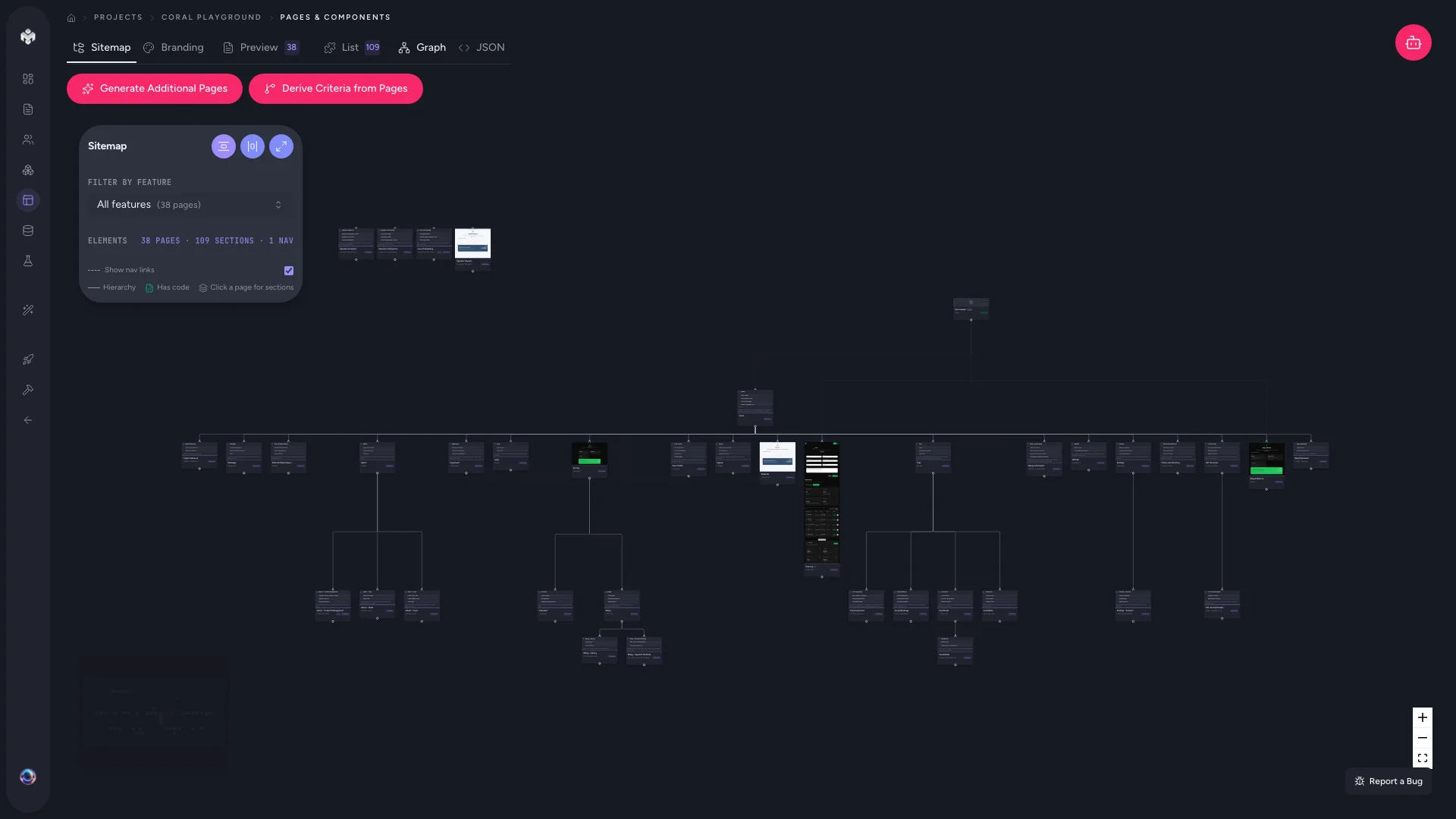
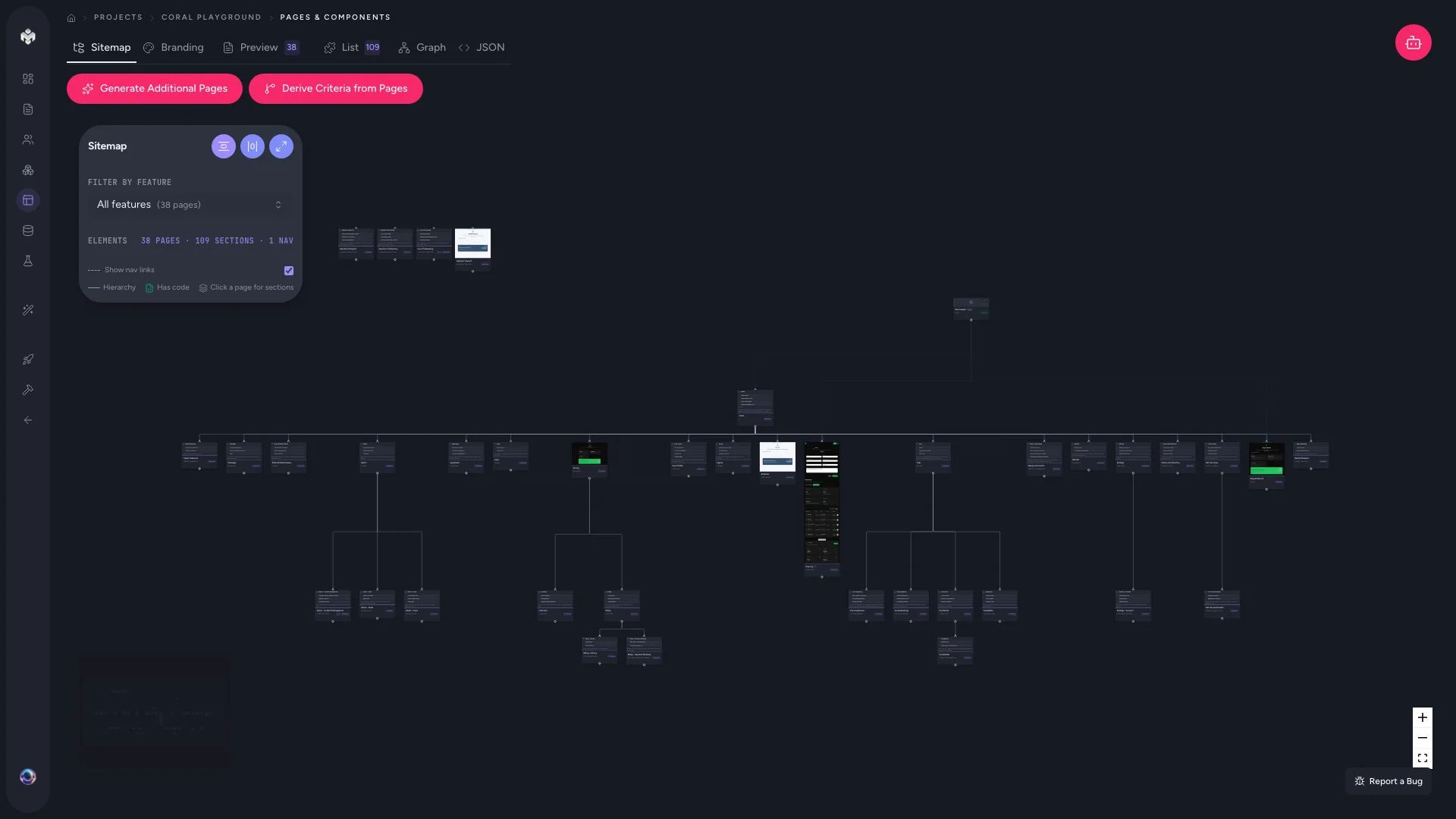
Sitemap Visualization
An interactive flow diagram showing page hierarchy and navigation paths. Drag nodes to rearrange; zoom to explore large sitemaps.
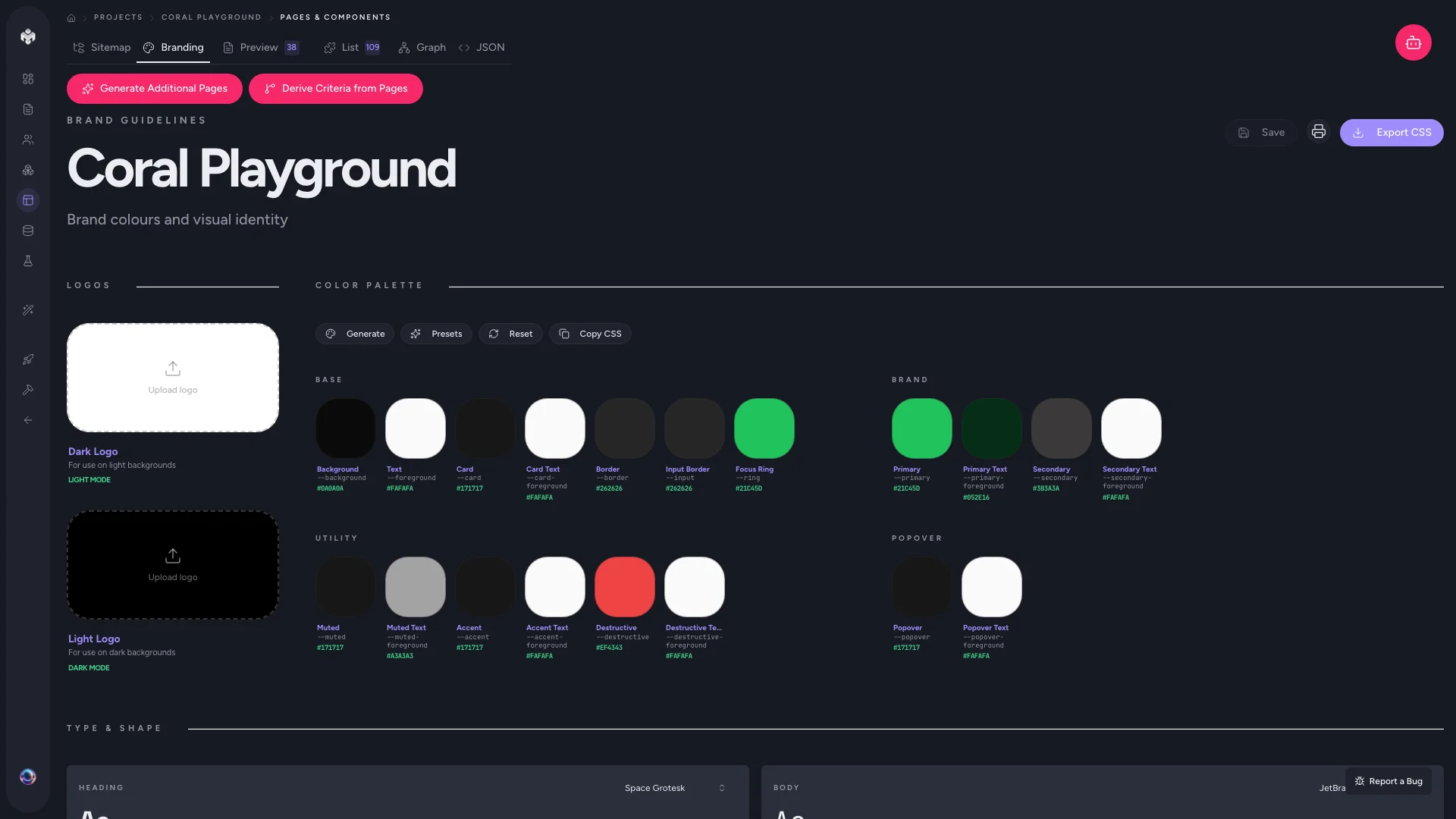
Color Theme
The palette generated for your project — primary, secondary, accent, background, and text colors as hex tokens. These tokens feed directly into UI generation and Tailwind config.
JSON
The raw JSON representation of your entire page structure. Copy it for use in external tools or version control.
How Pages Relate to Features and User Stories
Pages do not exist in isolation. The AI traces each page back to the features and user stories that require it:
- A feature like "User Authentication" produces pages for
/login,/register, and/forgot-password. - Each user story under that feature maps to specific sections within those pages — e.g., "As a user, I want to reset my password" maps to the reset form section on
/forgot-password. - Data dependencies are derived from the acceptance criteria attached to those stories.
This traceability means that if you add or remove a feature, regenerating pages will reflect the change across your sitemap.
Tips
- Generate features and user stories first. Pages depend on them — generating pages without features produces a generic skeleton.
- Review the sitemap view after generation to catch missing navigation paths before moving on.
- Edit page metadata directly — you can rename routes, adjust priorities, and update descriptions without regenerating.
Next steps
Once your page structure is finalized, use the in-app preview (Sandpack) to walk through each page visually before approving. When you're happy, move on to the database schema.