To vibe code, you describe what you want to an AI in plain language, run what it produces, and steer by the result instead of by reading the code. Do it in small steps, save a checkpoint every time something works, and tell the AI what you have already decided. That keeps a project alive past the tenth prompt, which is where most first attempts fall apart.
The rest of this guide gives the seven-step workflow, a few projects worth vibe coding, the main types of tools, and the point at which you should stop and write a spec. First, a short note on what the term meant when it was coined, because it has drifted.
What vibe coding actually means
Andrej Karpathy coined the phrase in a tweet in February 2025. The definition people quote is the opening line, about giving in to the vibes and forgetting the code exists. The line people skip is near the end:
It's not too bad for throwaway weekend projects.
He described the workflow precisely: seeing stuff, saying stuff, running stuff, pasting stuff, and accepting diffs without reading them. When something broke, he pasted the error back in without trying to understand it. That is a much narrower claim than the one the term carries now. Within a year "vibe coding" stretched to cover roughly any use of an AI coding tool, and Collins Dictionary made it their word of the year for 2025. Somewhere in that expansion, the "throwaway weekend projects" clause fell off.
How does vibe coding work?
The loop is short, and that is the appeal.
- Describe what you want in plain English: a feature, a screen, a fix.
- Generate. The AI writes or edits the code, often across several files at once.
- Run it and look at the result, not the code.
- React. If it is wrong, say so in plain language. If it errors, paste the error back in.
- Accept the change and move on to the next description.
In the pure form, you never open the files. In practice most people sit somewhere on a spectrum, skimming the diffs that look risky and accepting the rest. The defining trait is that the running result, not the code, is what you judge.
How to vibe code: a step-by-step workflow
The basic loop takes an afternoon to learn: describe, generate, run, react, accept. What follows are the habits that stop it collapsing after the tenth prompt.
1. Pick the right kind of tool for your skill level
If you have never written code, start with a browser-based app builder: you type, it builds, it hosts, and there is nothing to install. If you are comfortable in an editor, an AI code editor or a coding agent gives you far more control. The next section maps the categories.
2. Write a specific first prompt
The first prompt sets the shape of everything after it. Compare:
Make me a habit tracker.
with:
Build a single-page habit tracker web app. A user can add a habit with a name and a daily target, tick it off each day, and see a 7-day streak for each habit. Store data in the browser's local storage, no login. Use React and Tailwind. Keep it to one page.
The second one names the user's actions, the data, the scope and the stack. It also says what not to build (no login), which is the instruction models most often need.
3. Run it immediately, then change one thing at a time
Look at the result before asking for anything else. Then make small requests: "the streak resets at midnight UTC, make it use the user's local time" works far better than "fix the streaks and add categories and make it prettier." One change per prompt keeps each diff small enough that you can tell what broke.
4. Save a checkpoint every time it works
Use version control (git, or your tool's built-in history) and commit after every working step. This is the single most useful habit in vibe coding. When a prompt breaks three things, you roll back in seconds instead of prompting your way out of a hole.
5. Paste errors with context
Pasting an error back in works surprisingly often. It works better with one line of context: what you clicked, what you expected, what happened instead. If the same error comes back twice, stop and ask the AI to explain the cause before it tries another fix.
6. Tell it what you already decided
Each prompt is close to a fresh start for the model. If you have settled on a button style, a data shape or a naming convention, restate it, or keep a short notes file the tool can read. This is the cheap version of a spec, and it removes most of the drift described below.
7. Know when the project has changed category
The moment someone else will put real data into the thing, or pay for it, you are no longer vibe coding in Karpathy's sense. That is the point to slow down and add structure (more on that below).
Vibe coding in VS Code. If you already use VS Code, you can vibe code without switching editors by installing an AI coding extension such as GitHub Copilot and using its agent or chat mode, or by using an editor built on VS Code with AI features built in, such as Cursor. The workflow above stays the same.
Vibe coding examples worth building
The best vibe coding projects share two traits: you are the only user, and deleting the folder is an acceptable ending. A few that fit:
- A personal tracker. Habits, reading, workouts or expenses, stored in the browser. The habit tracker prompt above is this one.
- A one-off data tool. "Take this CSV of my bank exports, group by merchant and chart monthly totals." You run it once, look at the chart and move on.
- A landing page for an idea. To see whether the idea survives contact with a headline, not to take payments.
- A script that saves you an hour. Renaming a folder of files, resizing images, merging spreadsheets.
- A throwaway prototype for one question. "Does this interaction feel right?" Once you have the answer, the code has done its job.
What these have in common is that a wrong answer costs you an afternoon, not someone else's data. When a project stops fitting that description, the rest of this guide is about what to do.
The actual dividing line
Here is the distinction I think is worth keeping, and it is not "AI versus no AI."
The variable is whether you are accountable for code you have not read.
That framing does real work. It explains why the same tool, the same prompt and the same output can be completely fine in one context and reckless in another. A weekend project where nobody's data is at stake and the worst outcome is that you delete the folder? Read nothing. Genuinely. That is what the tools are extraordinary at, and being precious about it is a waste of the moment we are in.
The same loop, running against a table with other people's rows in it, is a different activity wearing the same clothes. Not because AI code is worse than human code, but because nobody has checked whether it does what you think it does, and you have committed to strangers that it will.
Most of the vibe coding discourse is people arguing past each other because one side is describing the first situation and the other side is describing the second.
What it is genuinely excellent at
I do not want to bury this under caveats, because the upside is real and specific.
Exploring an unfamiliar framework is the clearest win. You learn faster by having something running and poking at it than by reading documentation cold, and being able to ask "why did that work" against your own running code is a better tutorial than most tutorials.
Throwing away three approaches to a UI in an afternoon is another. The cost of abandoning a direction has collapsed, which means you can afford to be wrong more often. That changes what is worth trying.
Getting past a blank file is underrated. A mediocre first version you can react to beats an empty editor, and reacting is easier than creating.
And prototypes meant to answer one question, then die, are exactly the case Karpathy described. If the prototype has done its job the moment you have the answer, the code quality was never the point.
Best vibe coding tools: the main categories
"Best" depends almost entirely on who you are and what you are building, and the products change monthly. I have not benchmarked these against each other, so rather than rank them, here is how the market divides and what each category is good for. The product names are examples, not endorsements.
| Category | Examples | Best for | What you give up |
|---|---|---|---|
| Browser-based app builders | Lovable, Bolt.new, Base44, Replit, v0 | Non-coders, fast prototypes, landing pages, internal tools | Control over architecture; harder to take the code elsewhere and maintain it |
| AI code editors | Cursor, VS Code with GitHub Copilot | Developers who want to see and edit the code across many files | You need to be comfortable in an editor and with git |
| Terminal coding agents | Claude Code, Gemini CLI | Larger multi-file changes, working in an existing repo, scripting | Least visual; assumes you can read what it did |
| Planning and spec tools | VibeMap, GitHub Spec Kit | Deciding what to build before generating it; keeping many prompts consistent | Some time up front before any code appears |
A few notes on the categories, kept to what is well established:
App builders generate a working full-stack app from a chat prompt. Lovable produces a frontend, backend integration and deployment from a conversation. Bolt.new turns a prompt into running application code, often deployable in minutes. Base44 is all-in-one, with database, auth and hosting included. These are the easiest way to start.
AI code editors and terminal agents work on code you own, in your own files. They are where most professional AI-assisted development happens, and where the habits above (small changes, checkpoints, restated decisions) pay off most.
Planning tools sit upstream of both. They do not replace a code generator. VibeMap, which I build, turns a plain-English idea into linked personas, features, user stories, acceptance criteria, schema and pages,, which you then hand to whichever builder or agent you use. GitHub Spec Kit does a similar job inside a coding agent, as markdown files in your repo.
How to choose, in practice:
- Never coded, want something running today: an app builder.
- Can read code, want to keep it long term: an AI code editor.
- Working in an existing codebase: an editor or a terminal agent.
- Building something other people will rely on: add a planning step before any of the above.
Most of these tools have a free tier or trial, and plans change often, so check current limits before you commit. Try two on the same small idea and keep the one whose output you can understand.
Vibe coding best practices, and where it turns on you
Is vibe coding bad? No. Using it for the wrong kind of project is. The failures are boringly consistent, and none of them are the model being bad at code.
Output drifts between prompts. Ask for the same kind of thing twice and you get two architectures, because each generation is a fresh conversation with no memory of the last one. Three buttons, three styling approaches, three sets of default behaviour.
Duplication accumulates quietly. This one is measurable rather than anecdotal: GitClear's analysis of over 150 million changed lines found duplicated blocks rising while refactoring activity fell. More code arriving, less of it being consolidated.
Failure paths go missing. Models default to the happy path unless told otherwise, partly because most of the tutorials they trained on skip error handling too. The login form works. The login form with a rate limit, a disabled account and a dead network does not exist.
Review stops scaling before generation does. You can produce twenty files in a session. You cannot meaningfully review twenty files in that same session, and the gap is where the trouble lives. Google's DORA 2024 report found AI adoption associated with reduced delivery stability, which is at least consistent with this being the real bottleneck.
None of this is the AI failing at its task. It did what was asked. The prompt just never said what "right" meant. Why AI-generated code breaks in production walks through six of these failures with real code.
How to tell which mode you are in
Two questions, and they are not about the tool.
Will anyone other than me have data in this? If yes, you are past vibe coding in Karpathy's sense, whatever your workflow feels like.
Would I be able to explain what this code does if it broke at 2am? If no, and the answer to the first question was yes, that is the gap to close.
Reining it in without killing the speed
The goal is not to go back to writing specs for everything. Most of what makes vibe coding good is worth keeping. The parts worth adding back are narrow.
Fix the data model before you generate against it. Code regenerates in seconds. Rows with real users behind them do not, and that asymmetry is the single most reliable predictor of which mistakes will hurt.
Declare your shared components up front. The tool cannot know that page A and page B want the same button unless you tell it. Naming eight of them costs a minute and removes the most common source of drift.
Write down what done means for anything with branches in it. Auth, payments, permissions, anything with a state machine hiding inside. Given, when, then is enough. This is where unstated requirements turn into confident wrong guesses.
Leave everything else alone. Layout, copy, styling, one-off scripts. Planning those is procrastination with better branding.
What to do instead for production: spec-driven development
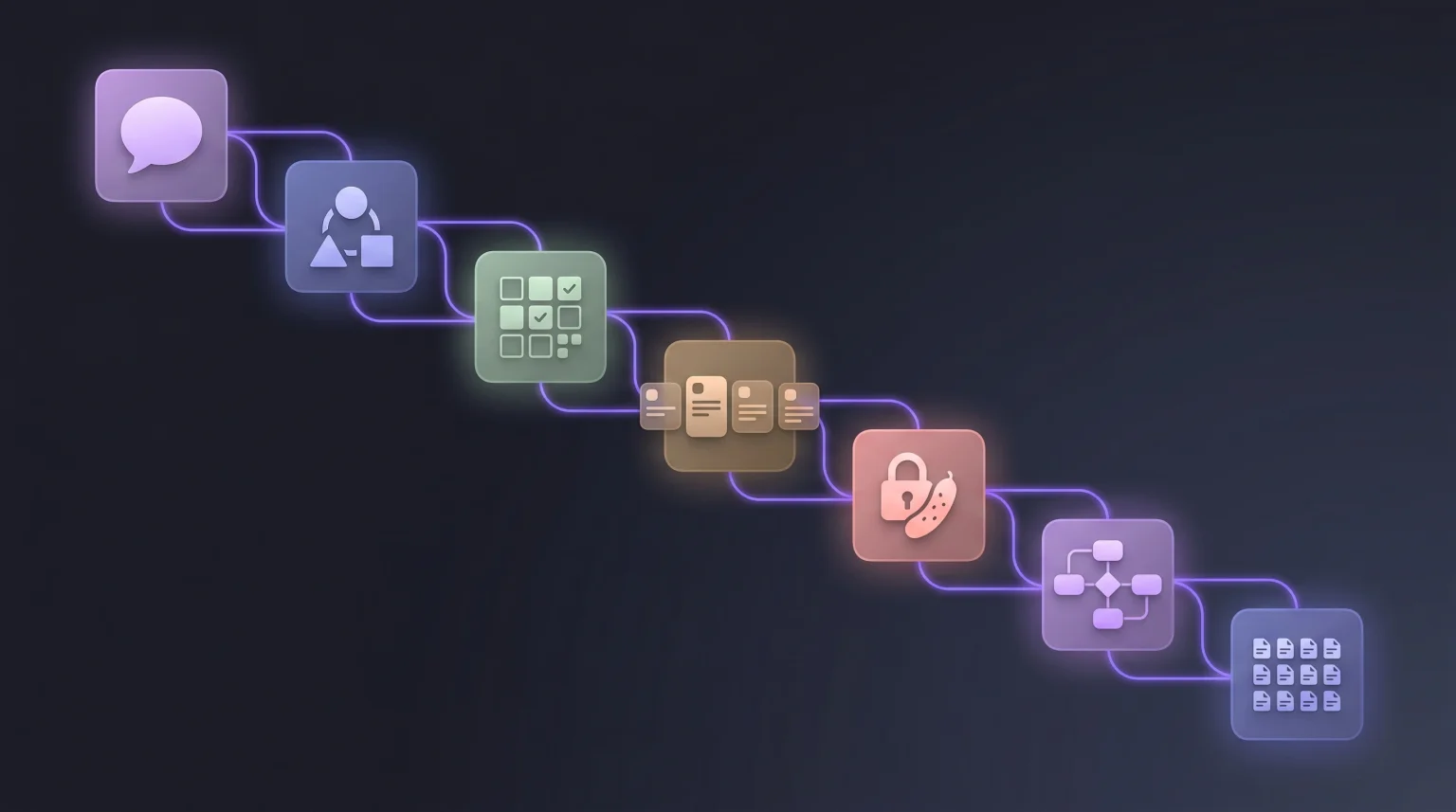
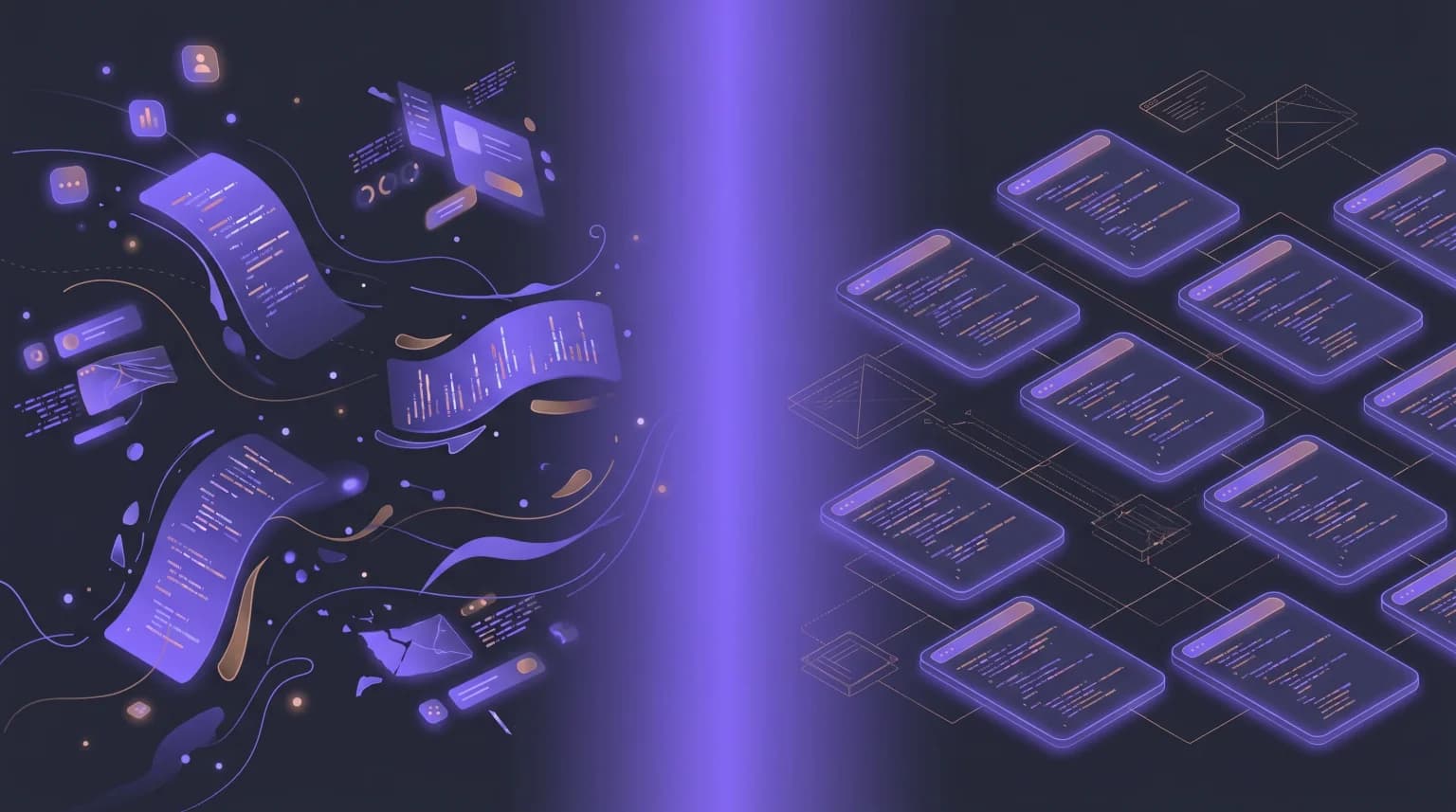
When a project crosses the line from throwaway to real, the usual next step has a name: spec-driven development. You keep the AI doing the typing, but you write down the personas, user stories, acceptance criteria and data model first, and every prompt works against that written spec instead of your memory of the last one. It is the three habits above, made systematic.
You can do it by hand with a chat model. That post has a seven-stage pipeline with copy-paste prompts. VibeMap automates the same pipeline and keeps the pieces linked, so your coding agent can read the spec over MCP while it builds. If you only do one stage, make it the data model: the free Database Schema Generator turns user stories into an ERD and PostgreSQL DDL you can review before any code depends on it.
The takeaway
Vibe coding is a good technique with a name that outgrew its definition. Used the way it was described, for throwaway work where you are the only one exposed, it is close to unbeatable. Used as a description of how to build a product people pay for, it quietly commits you to shipping code nobody has read.
You do not have to pick a side. You do have to know which one you are doing.
FAQ
How do you vibe code?
Describe what you want in plain language to an AI coding tool, run the result, and react to what you see rather than to the code. Keep each request small, commit or save a checkpoint after every working step, paste errors back in with a line of context, and restate decisions you have already made. The seven-step workflow above covers each habit.
What are the best vibe coding tools?
It depends on your skill level. Browser-based app builders such as Lovable, Bolt.new and Replit suit non-coders. AI code editors such as Cursor suit people comfortable in an editor. Terminal agents such as Claude Code and Gemini CLI suit larger changes in an existing repository. The categories table above lays out what each is best for and what you give up.
Can anyone do vibe coding?
Yes. Browser-based app builders need no coding knowledge at all; you describe the app and they build and host it. The catch is that without being able to read code, you cannot tell whether the result is safe to give other people's data to. For personal projects and prototypes that does not matter.
Is it easy to learn vibe coding?
The basic loop takes an afternoon. The habits that make it hold up (specific first prompts, one change at a time, committing every working step, restating decisions) take a few projects to become automatic.
Why is it called vibe coding?
Because Karpathy's original description was about going with the vibe: describing what you want, accepting what the AI produces and forgetting the code exists, rather than reasoning through it line by line.
Is vibe coding bad?
Not for the job it was named for. For throwaway projects where you are the only user, it is close to unbeatable. It becomes a problem when other people's data, money or time depend on code nobody has read, because output drifts between prompts, duplication builds up and failure paths go missing. That is the point to add a spec.
Is vibe coding the same as prompt engineering?
No. Prompt engineering is the skill of writing instructions that get good output from a model. Vibe coding is a whole way of building software through those prompts, judged by running the result. Good prompting makes vibe coding work better, but you can vibe code with very casual prompts.
What is the difference between vibe coding and spec-driven development?
In vibe coding the latest prompt is the source of truth. In spec-driven development a reviewed, written spec is, and the AI builds against it. The first is faster to start; the second holds up when real users and data are involved.
Related reading
- Spec-driven development: what it is and how to do it, the structured alternative for production work.
- Why AI-generated code breaks in production, with the specific failure modes and real code examples.
- From user stories to database schema, the one step worth doing deliberately.
- VibeMap vs Bolt.new and VibeMap vs ChatGPT, two honest comparisons including when the simpler option is enough.
If you want to try the structured version on one feature, the User Story Generator turns a plain-English feature description into three to five stories, each with a persona, priority and estimate. Free, no signup.
Sources and further reading
- Andrej Karpathy, the original vibe coding tweet, February 2025.
- GitClear, Coding on Copilot: duplication and refactoring trends in AI-assisted codebases.
- Google, DORA 2024 State of DevOps Report: AI adoption measured against delivery throughput and stability.
- Stack Overflow, 2024 Developer Survey, AI section: adoption and trust data.