The useful AI tools for product managers fall into five jobs: a general assistant for first drafts, a tool that writes requirements, a tool that makes sense of customer feedback, a tool that sits on your backlog and roadmap, and a tool that answers questions about your product data. You rarely need one from every group. Pick the job that eats most of your week, try one tool for it, and judge it on whether it saves you editing time or just produces more text to read.
Below are ten tools, grouped by job, with what each is for, the catch, and whether it has a free tier. I build one of them (VibeMap), so I have put it in the list and said so where it appears.
How to read this list
I have not benchmarked these against each other, and I am not going to rank them. A ranking would imply a test I did not run. What I did do is read each vendor's own product and pricing pages on 3 November 2026 and note what they actually claim, so the descriptions below stay close to what the vendors say.
I have left out exact prices because they change every few months. Where a tool has a free tier I say so, and you should confirm the current limits on the vendor's page before you commit.
Three questions are worth asking of any of them:
- Does it cite where an answer came from? A summary of customer interviews you cannot trace back to a quote is a guess.
- How is the AI metered? Most of these now charge in credits. A tool that is cheap per seat can run out of AI part way through the month.
- What data can it see? An assistant that cannot see your backlog, your analytics or your research is writing from the prompt alone.
At a glance
| Tool | Job it helps with | Free tier | The catch |
|---|---|---|---|
| Claude (and other general assistants) | First drafts of almost anything | Yes, with limits | Only knows what you paste in |
| ChatPRD | Writing and refining PRDs | Yes (3 chats) | Free plan is small |
| VibeMap | A linked spec from an idea | Yes | Built for spec work, not roadmaps |
| Productboard (Spark) | Feedback themes and specs | None listed | Credit-metered, no public seat price |
| Dovetail | Synthesising interviews and tickets | Yes | Free plan excludes agents |
| Jira (with Rovo) | Backlog and status updates | Jira yes, Rovo no | AI not on the free plan |
| Linear | Triage and project updates | Yes | Triage AI is on higher plans |
| Notion | Docs, meeting notes, roadmaps | Yes (AI is a trial) | AI use can be throttled |
| Miro | Workshops and early prototyping | Yes (limited AI) | AI credits are pooled and reset monthly |
| PostHog AI | Questions about product usage | Yes (monthly allowance) | Only as good as your instrumentation |
General assistants
Claude
Anthropic describes Claude as "a helpful, intuitive, and powerful collaborator you can put to work on real tasks", and the PM uses its own page lists are the ones you would expect: turning meeting notes into briefs, consolidating feedback into a spreadsheet, summarising research, drafting documents. It has a free plan with limits that reset every few hours and every week.
The catch is the one that applies to every general assistant, including ChatGPT and Gemini: it only knows what you give it. Paste in a vague idea and you get a polished, vague answer. For the prompts that get structure out of it, the PRD template guide has the ones I use for requirements.
If you are starting from nothing, start here. A general assistant is the cheapest way to learn what AI is good at in your own work before you pay for something specialised.
Tools that write requirements
ChatPRD
ChatPRD calls itself an AI platform for product managers and their teams. It is built around writing and refining PRDs, reviewing strategy and sharing product context, and it can connect your product documents to AI coding tools over MCP. There is a free plan capped at three chats, each with a length limit.
The catch is the size of the free plan: three chats is enough to judge the output and not enough to run a workflow on. It is the most direct specialised alternative to prompting a general assistant for PRDs, so it is the obvious one to try if requirements are your bottleneck. If you are not sure what a good one looks like, what a PRD is covers the contents.
VibeMap
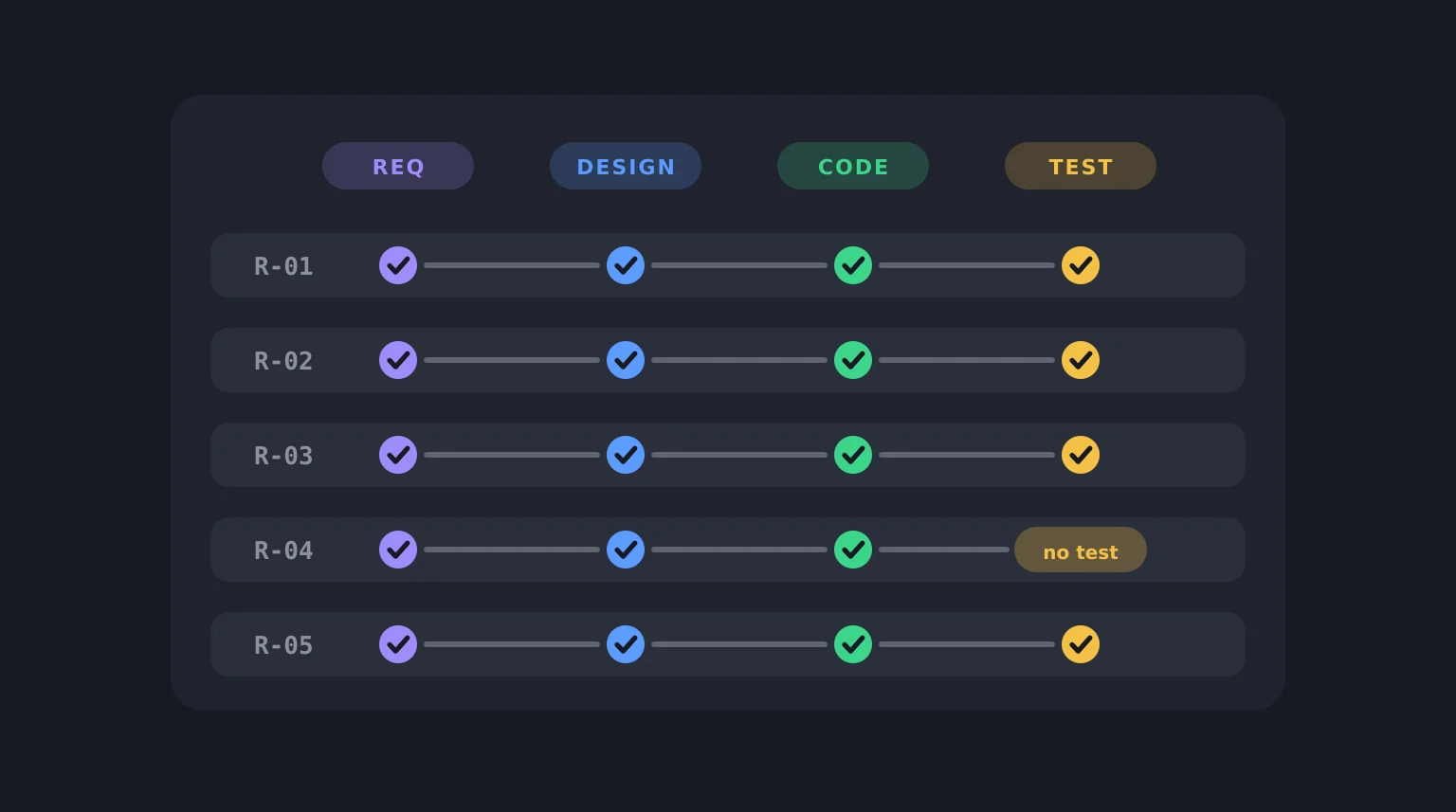
This is the one I build, so weigh it accordingly. VibeMap turns a plain-English idea into a linked spec: personas, features, user stories and acceptance criteria on the free plan, with pages and a database schema on paid plans. Each piece links to the one that justified it, and you can download the PRD and development spec as markdown on any plan. Five free tools (personas, user stories, acceptance criteria, business case and database schema) work without signing up, with a small daily limit.
The catch: it is built for the stage between an idea and a coding agent. It is not a roadmap tool, a feedback tool or an analytics tool, and if your problem is deciding what to build next across a live product, one of the tools below fits better. Spec-driven development explains the approach it is built around.
Tools that make sense of customer feedback
Productboard (Spark)
Productboard's pitch is that it combines customer signals, codebase data and strategy so decisions are grounded and specs are delivery-ready, and Spark is its AI agent. Its page describes surfacing feedback trends with citations, drafting specs and measuring impact after launch.
The catch is cost and access. The pricing page shows plans but no seat prices, only a request-demo flow, and no free tier. The AI is metered in credits per maker each month. It is a tool for a team with a real feedback pipeline, not for trying out over a weekend.
Dovetail
Dovetail describes itself as the "customer context layer" that turns sales calls, support tickets and user interviews into context for agents. For a PM that means transcribing interviews, grouping feedback into themes and sentiment, chatting across your customer data with citations, and drafting requirements you can send to Jira or Linear.
There is a free plan with one project and basic AI summaries. The catch is that the free plan leaves out agents and AI translation, and the vendor's page says nothing about how accurate the synthesis is. As with any synthesis tool, read a sample of the underlying quotes before you trust a theme.
Tools on your backlog and roadmap
Jira with Rovo
Atlassian's AI in Jira is called Rovo. The jobs it lists are PM chores: breaking work into smaller tasks, summarising a work item's status and blockers, drafting status updates, creating work items from Confluence, Slack or email, and checking whether work is ready before planning.
Jira itself has a free plan for small teams, but Rovo is not on it. On paid plans it comes with a monthly credit allowance per user that is pooled across the team, and admins can switch the AI off. If your team is already in Jira, this is the lowest-friction option, and you should check whether your plan's allowance covers how much you expect to use it.
Linear
Linear's AI page describes triage that runs itself and a Linear Agent that reads your codebase. The PM-relevant parts are suggesting assignees, teams, projects and labels for new issues, drafting project updates, scanning the backlog for recurring themes, flagging at-risk projects and turning Slack or Teams threads into issues.
There is a free plan, capped at 250 issues. The catch is that the triage suggestions are on its higher-priced plans, and the AI's output is a suggestion for you to review, not a decision. It suits engineering-led teams already working in Linear.
Notion
Notion calls Notion AI "your built-in teammate inside Notion", with an agent that carries out multi-step tasks across your workspace, connected apps and the web. For PMs the useful parts are AI meeting notes, answers across connected apps with citations, and creating or editing pages such as roadmaps.
There is a free plan, but the AI features are a limited trial there and on the next tier, and fully included only on the business plan. The vendor also notes that AI access can be temporarily reduced depending on your usage. It is a good fit if your team already lives in Notion docs.
Tools for workshops and product data
Miro
Miro positions itself as an AI platform for teamwork. The product-development uses on its page are turning brainstorms into strategy, requirements and metrics, synthesising research, and building clickable prototypes quickly.
The free plan is limited to three editable boards with limited AI. On paid plans the AI runs on credits that are pooled across the team, used up by each action and reset monthly with no rollover. It is strongest for the workshop-heavy early stage of a product, and a weaker fit for day-to-day backlog work.
PostHog AI
PostHog describes PostHog AI as an AI product analyst that lives inside PostHog. It answers plain-English questions about your events, builds insights, writes SQL, finds session replays and can create dashboards, surveys and alerts. It respects access controls, so it only sees what you can see.
There is a monthly free allowance of AI usage, then it is pay-as-you-go with no per-seat charge. The catch is the usual one for analytics: it can only answer from the events you have instrumented. If you have not tracked something, the AI cannot invent it. (I use PostHog for VibeMap's own analytics.)
What AI will not do for you
Every tool above produces drafts or suggestions, and several say outright that you own the judgement calls. They are good at the first 80%: a structured outline, a summary, a list of options. They are poor at the judgement calls that are the actual job: which problem matters, what to cut, what to say no to.
The pattern that works is to use them to produce something you can argue with. A generated PRD, a set of interview themes or a roadmap draft is a faster starting point than a blank page. It is not a decision. If you skip the edit, you ship the generic version, and the people reading it can tell.
How to choose
Start with the job that costs you the most hours.
- Blank-page drafting of requirements: a general assistant first, then ChatPRD or VibeMap if you want structure.
- A pile of interviews or support tickets: Dovetail, or a general assistant if the pile is small.
- Backlog and status updates: whatever your team already uses, Jira or Linear, because moving data between tools is the hidden cost.
- Questions about usage: PostHog AI, or the AI in your existing analytics tool.
Try one tool on one real piece of work for a week. If you are editing less, keep it. If you are reading more, drop it.
FAQ
What are the best AI tools for product managers?
It depends on the job. For first drafts, a general assistant such as Claude or ChatGPT. For PRDs, ChatPRD or VibeMap. For customer feedback, Dovetail or Productboard. For backlog and roadmap, the AI built into Jira, Linear or Notion. For usage questions, PostHog AI. The table at the top of this post sets them side by side.
Can ChatGPT replace a dedicated product management tool?
For first drafts, often yes. A general assistant can write a PRD outline, summarise interviews you paste in and draft stakeholder updates. What it lacks is access to your own data and a place to keep the output linked together, which is what the specialised tools add. Try the general assistant first and only pay for a specialised tool once you can name what it is missing.
Are there free AI tools for product managers?
Yes. Every tool in this list has a free tier or free usage except Productboard, which lists none. The free plans have limits on chats, boards, issues or AI credits, and some leave the AI features out, so check what is actually included before relying on one.
How do product managers use AI?
Mostly to draft: PRDs, user stories and acceptance criteria, stakeholder updates, interview summaries and competitive overviews. The more careful uses are synthesising large amounts of customer feedback, triaging a backlog and answering questions about product data. In all of them, the PM reviews and edits the output.
Will AI replace product managers?
The tools above automate drafting and summarising, which are parts of the job, not the whole of it. Deciding which problem to solve, trading off competing needs and persuading people to act are not things any of these tools do. The people most affected are those whose work was mostly producing documents.
Related reading
- PRD template: three free templates and a full example, the prompts that get structured requirements out of a general assistant.
- What is a PRD?, for what good requirements contain.
- How to write user stories with INVEST, including how to pressure-test AI-written stories.
- Spec-driven development, for turning requirements into something a coding agent can build from.
- Business case template, for deciding whether an idea deserves any of this.
Sources and further reading
Vendor pages read on 3 November 2026. Features and pricing change often, so check the live pages.
- Anthropic, Claude pricing and product overview.
- ChatPRD, pricing.
- Productboard, pricing and Spark.
- Dovetail, pricing.
- Atlassian, Jira pricing and Rovo credits.
- Linear, pricing and AI.
- Notion, pricing and Notion AI.
- Miro, pricing and AI.
- PostHog, PostHog AI docs.